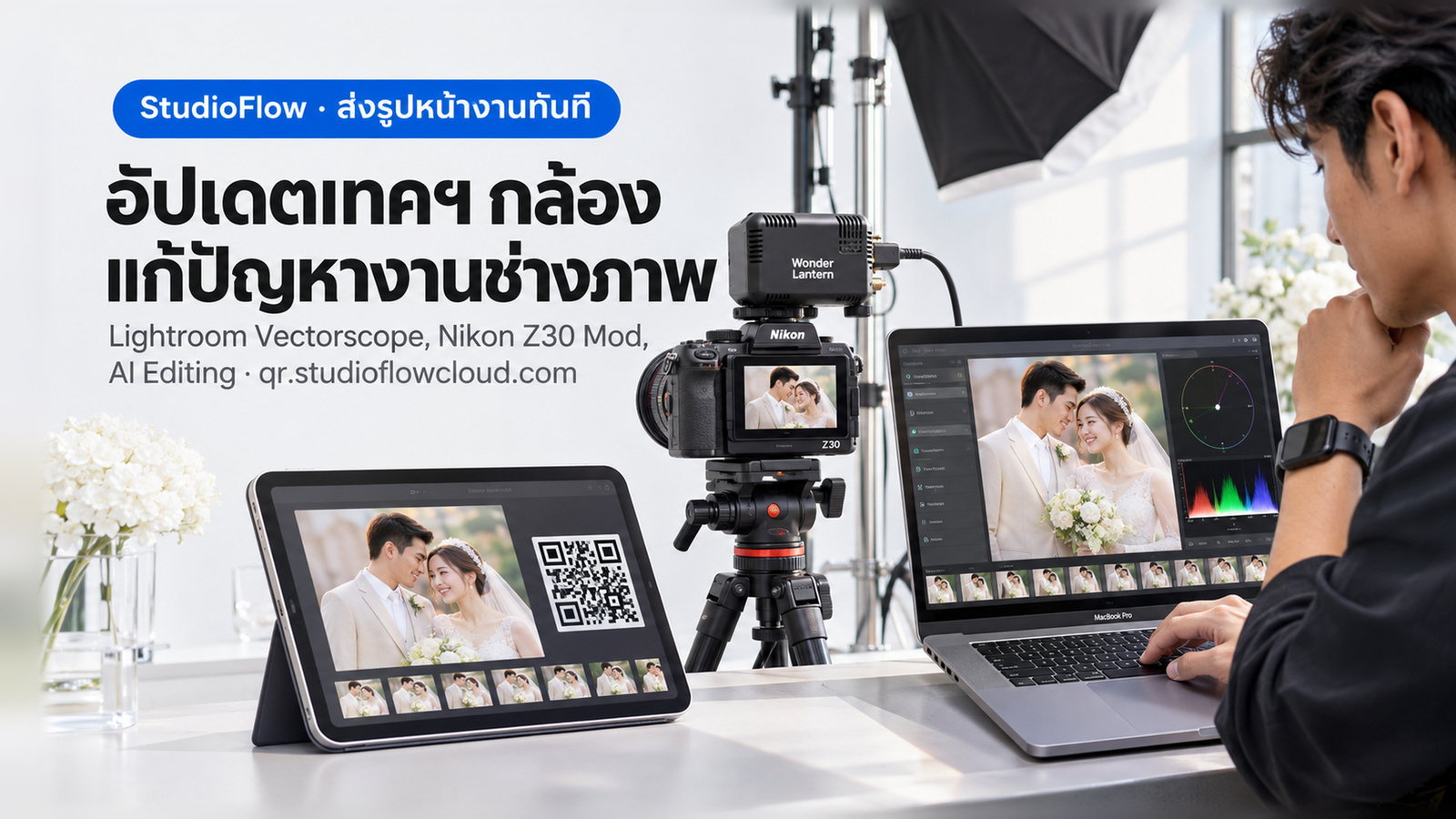
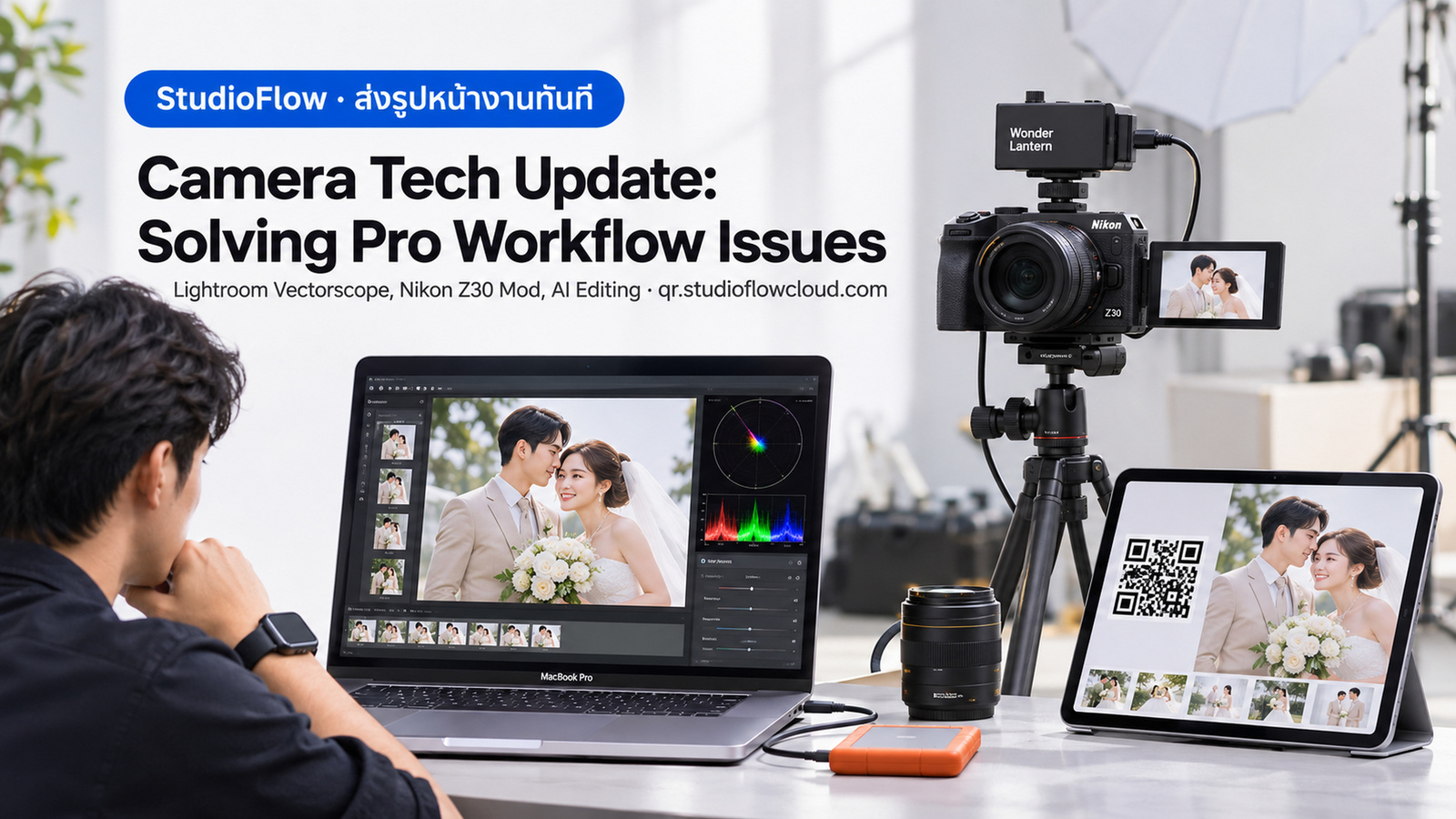
Quick Field Summary (Answer-First): New technologies are rapidly helping modern photographers solve problems and boost efficiency. This includes using Vectorscope in Lightroom for more accurate skin tones and white balance, unlocking camera potential with firmware mods like the Nikon Z30 Wonder Lantern, which boosts 4K video bitrate to 200 Mbps, and leveraging the latest AI editing tools from Adobe to drastically cut down post-production time.
1. Use Vectorscope in Lightroom for Precise Skin Tones and White Balance
Vectorscope is a powerful color analysis tool in Lightroom, allowing photographers to precisely check and adjust skin tone lines and white balance. This is crucial for portrait and wedding photography, where natural skin tones are essential. Using Vectorscope reduces guesswork and ensures consistent color across all images, minimizing color cast issues that might arise from purely visual adjustments, thus speeding up the in-camera finish.
TECHNIQUE 02
2. Unlock Camera Potential with Firmware Mods like Nikon Z30 Wonder Lantern
For hybrid photographers or videographers, updating with a firmware mod like 'Nikon Z30 Wonder Lantern' can transform an entry-level camera into a professional tool. This mod enables the Nikon Z30 to shoot 4K video at a high bitrate of 200 Mbps and extended slow motion for up to 25 minutes. This results in higher quality video files, greater flexibility in post-production, and helps save budget on expensive new camera purchases.
TECHNIQUE 03
3. Leverage Latest Adobe AI Photo Editing Tools to Reduce Workflow Time
New AI editing tools from Adobe and other platforms are revolutionizing photo editing workflows. Photographers can now quickly and accurately remove unwanted objects, adjust lighting and shadows, or even fine-tune color tones. Integrating AI into these steps not only significantly reduces post-production time but also allows photographers more time to focus on creative aspects and deliver work to clients faster.
Real-World Camera & Workflow Comparison Table
Category / Camera Brand
Recommended Setting
Field Result
Pro Caution
Lightroom Vectorscope
Skin Tone Line, White Balance
Accurate skin tones, correct WB
Requires learning to interpret values
Nikon Z30 Wonder Lantern Mod
4K 200Mbps, 25 min Slow Motion
High-quality video files, flexible
May void warranty, proceed with caution
Adobe AI Editing Tools
Content-Aware Fill, Auto Adjust
Reduced editing time, faster workflow
May not be 100% perfect, requires review
StudioFlow Cloud (Workflow)
Live Gallery, AI Sorting
Instant photo delivery, easy management
Requires internet connection
Connect Your Camera to AI Face-Scan Galleries — Deliver Photos 10x Faster
Transform your existing Google Drive, Dropbox, and Synology NAS folders into luxury branded client galleries with ⚡ Instant Event Delivery (Wi-Fi FTP / USB-C / Lightroom Classic 1★) and 0.3s QR selfie search. Start Free ($0) or Unlimited PRO ($49/yr).
Is using Vectorscope too complex for general photographers?
Not at all! Vectorscope is incredibly useful for verifying color accuracy, especially skin tones. Many online tutorials and guides can help photographers learn and use it quickly to elevate their work quality.
What are the downsides of camera modding?
The main downsides are potentially voiding your camera's warranty and the risk of damaging the camera if not done correctly. However, if performed by an expert or strictly following guides, the benefits of added features can be well worth it for certain groups of photographers.
 StudioFlow